What's in the kit
- Details on every listing: Venue Type: Hall, Restaurant Room, Outdoor, Theater, Gallery, Meeting Room, Other; Capacity; Rental Contact; Rental Email; Catering: In-House, Outside Allowed, None; Accessible (yes or no).
- Filters for Venue Type, Catering and Accessible.
- Markers styled by Venue Type, each choice with its own icon from the start.
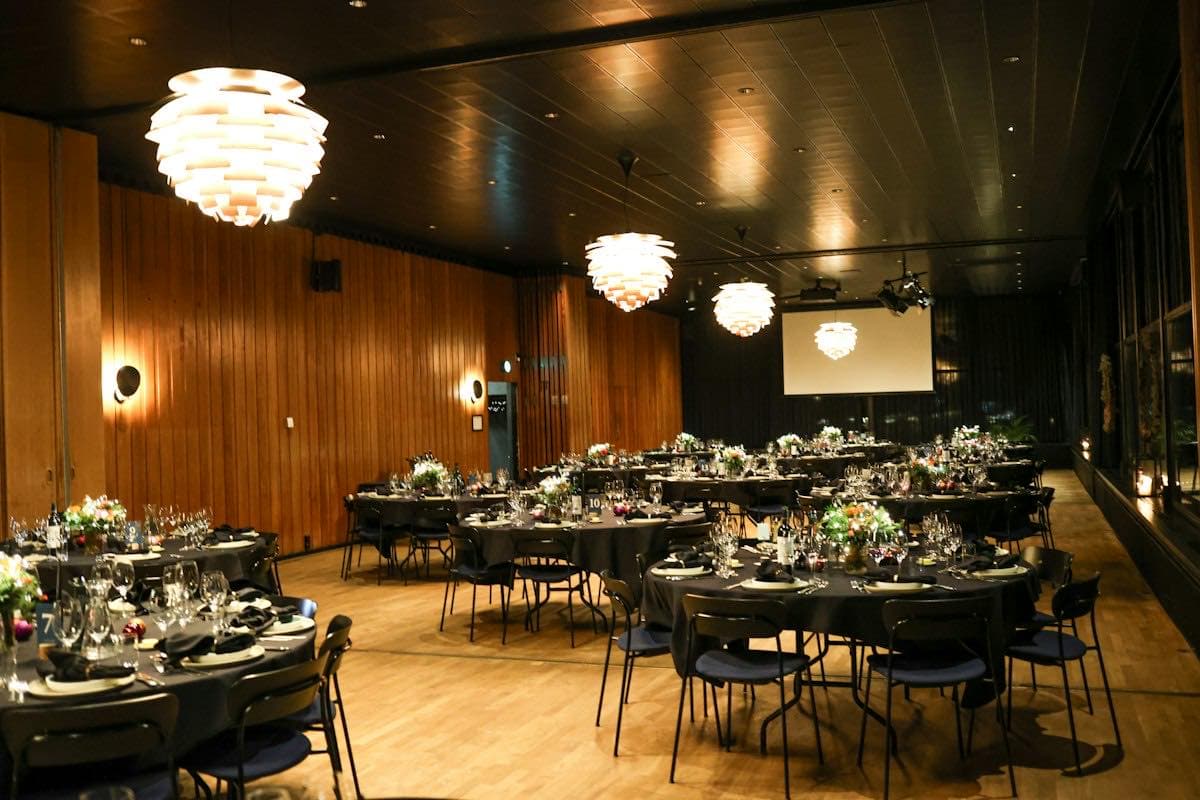
- Places we can find for your town: event venues, banquet halls and theaters.
- A search box.
- Claim links so each business keeps its own listing current.
- A welcome screen: find a space, filter by size and ask about a date.
How it works
- 1
Pick the template
The wizard opens with the details, filters, and welcome screen already set. Change anything before you create it.
- 2
Add your places
Search for businesses, import a spreadsheet, or let people add themselves through a public form.
- 3
Share and embed
Send the link, print the QR code, or paste the embed on your website. Updates show everywhere at once.
Questions
Start your event venues
Your name, your town, your email. The rest is already set up.